Skip to content
Nederlands
(
Dutch
)
English
Nederlands
(
Dutch
)
English
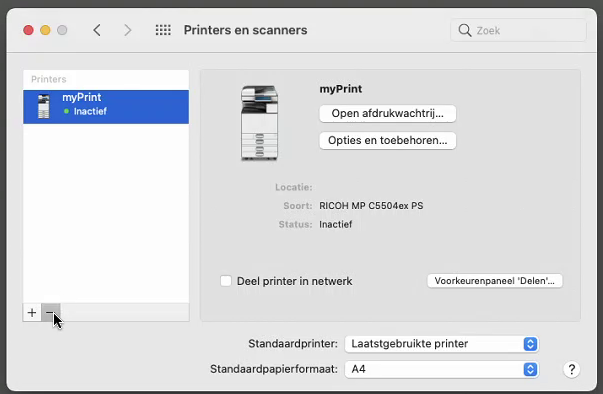
Remove any previous installation of the myPrint printer:
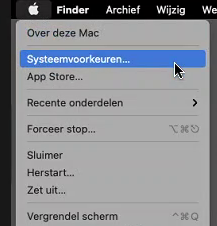
Click on the
Apple logo
and then click on:
Systeemvoorkeuren
…
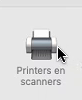
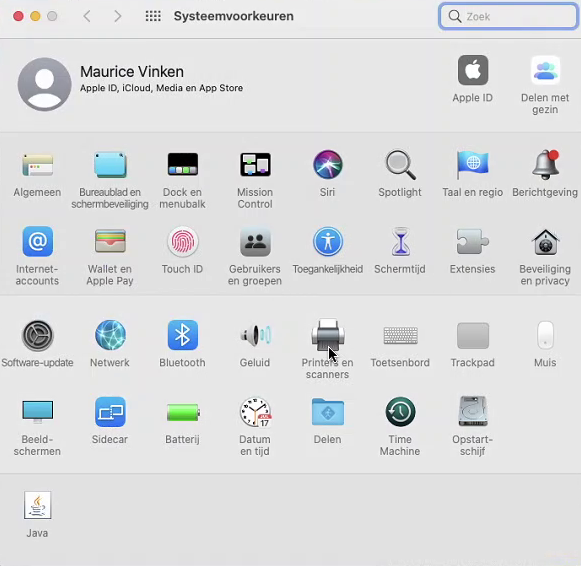
Then click on:
Printers en scanners
Click on the current printer: it can be
myPrint
/
145.20.18.7
or a name of your own filled in.
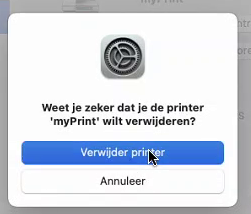
Then click on the
–
to remove it and confirm again:
Ready? Click here and continue with the installation of new printer