Skip to content
Nederlands
(
Dutch
)
English
Nederlands
(
Dutch
)
English
First remove the previous installation of the myPrint printer:
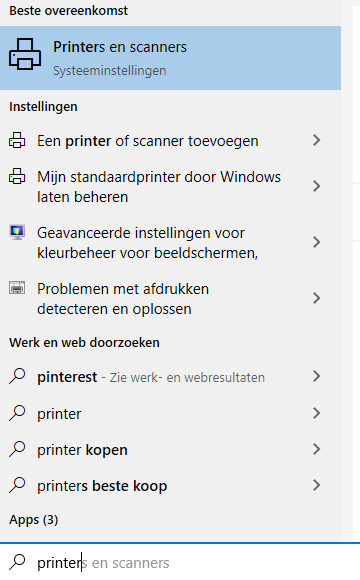
Click on
Wi
ndows (START) logo
and type:
PRINTER
The search results will now show ‘Printers and scanners’
Click here.
A list of all printers installed on the system will open.
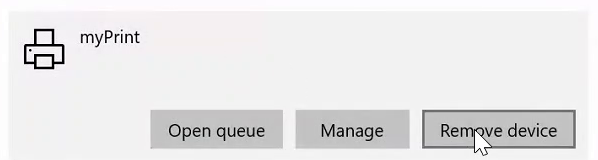
Click on the current printer: this can have
myPrint/145.20.18.7
or a name you enter yourself.
Then click on remove device
Ready? Click here and continue with the installation of new printer